Blog
Pinterest Affiliate Marketing Without a Blog (Yes, It Works in 2026)
Most affiliate advice assumes you'll build a blog first, spend six months on SEO, and then start earning. On Pinterest, you can skip that. Pinterest permits affiliate links directly on pins, so a pin can send someone straight to a product with your affiliate link attached — no website in the middle. Thousands of people run profitable Pinterest affiliate accounts with no blog at all.
That's the good news, and it's real. But "no blog" is not the same as "no rules," and a couple of honest caveats up front will save you a suspended account or a rejected program application. Let's do the caveats first, then the system.


The honest caveats
Pinterest allows direct affiliate links — within its rules. You can put an affiliate link as a pin's destination URL. What Pinterest prohibits is spam (the same pin blasted to dozens of boards in minutes), cloaked or misleading links, and undisclosed promotion. Link shorteners that hide the destination are a common way to trip its filters — use clean links and disclose.
Some affiliate programs still want a website — but not all, and there are workarounds. This is the one that catches people. Amazon Associates, for example, asks for at least one qualifying website or mobile app when you apply, so pure "no web presence at all" can make that specific application harder. The fix isn't a full blog — it's a link-in-bio page (a free one-page site from a link-in-bio tool) or a simple free landing page, which satisfies the "where will you promote" requirement without being a real blog you maintain. Meanwhile, plenty of programs and networks — ShareASale, Impact, Awin, and many individual brand programs — happily approve social-first affiliates. Pick programs that fit the no-blog model rather than forcing the ones that don't.
Disclosure is required, blog or not. FTC guidance and most programs require you to disclose the affiliate relationship. On Pinterest that's a short line in the pin description — "#ad" or "affiliate link — I may earn a commission." It doesn't hurt performance; people are used to it.
With those understood, here's the actual system.
Step 1: Choose programs that welcome no-blog affiliates
Start where approval is easy and the products suit Pinterest's audience (home, kitchen, decor, gifts, beauty, hobby). Individual brand programs on ShareASale, Impact, and Awin are often social-friendly and pay meaningfully higher commissions than Amazon in these niches. If you want Amazon Associates specifically, set up a link-in-bio page first (below) to clear the application, then use it as your registered destination.
Step 2: Set up two things — a Pinterest business account and a link hub
A business account is free and unlocks analytics and rich pins. For your links, you have two models, and it's worth understanding the trade-off:
- Direct linking: the pin's destination URL is the affiliate link itself. Fewer clicks to the sale, simplest setup. Best when the program allows it and you're promoting one clear product per pin.
- Link-in-bio / landing hub: the pin points to a simple one-page hub listing your recommended products with affiliate links. This doubles as the "website" some programs want, lets you promote several products from one pin, and survives a single product going out of stock. Slightly more friction, more durable.
Many no-blog affiliates run both — direct links for single-product pins, a link hub for round-up pins and for their profile link.
Step 3: Make pins that actually get clicked
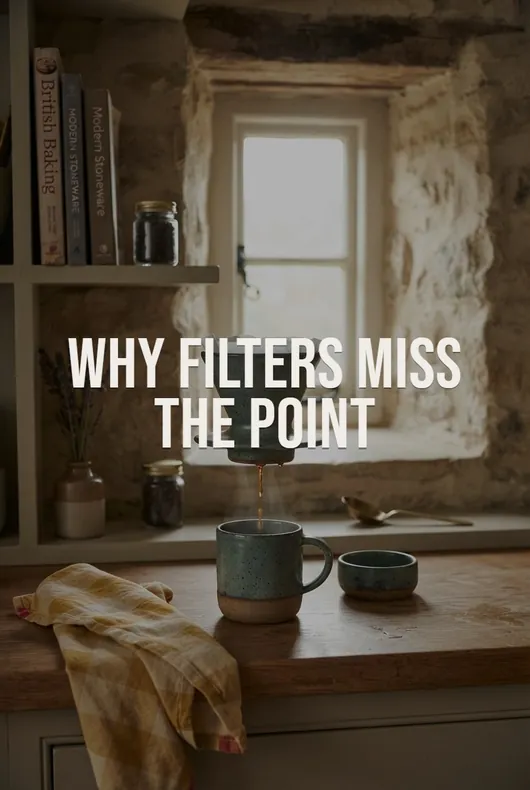
Without a blog, your pins are your entire storefront — so the image carries even more weight than usual. The problem every no-blog affiliate hits: you don't own the product photos, and a retailer's white-background listing image makes a weak pin that gets scrolled past.
Three ways around it: shoot the products yourself (authentic, but means buying inventory and owning a camera), build pins around stock imagery in a design tool (fine for text-led roundup pins, weak for single-product pins where the actual product must appear), or generate product photography with AI. That last one is the job Pinstark was built for — paste the product link and it generates a pack of pins in about a minute: new photography of the product in lifestyle scenes, flat lays, or studio shots, with editorial text overlays and an SEO title and description for each, all at Pinterest's 2:3 ratio. For a no-blog affiliate that removes the single biggest bottleneck, since you can turn any affiliate product into feed-ready pins without owning it.
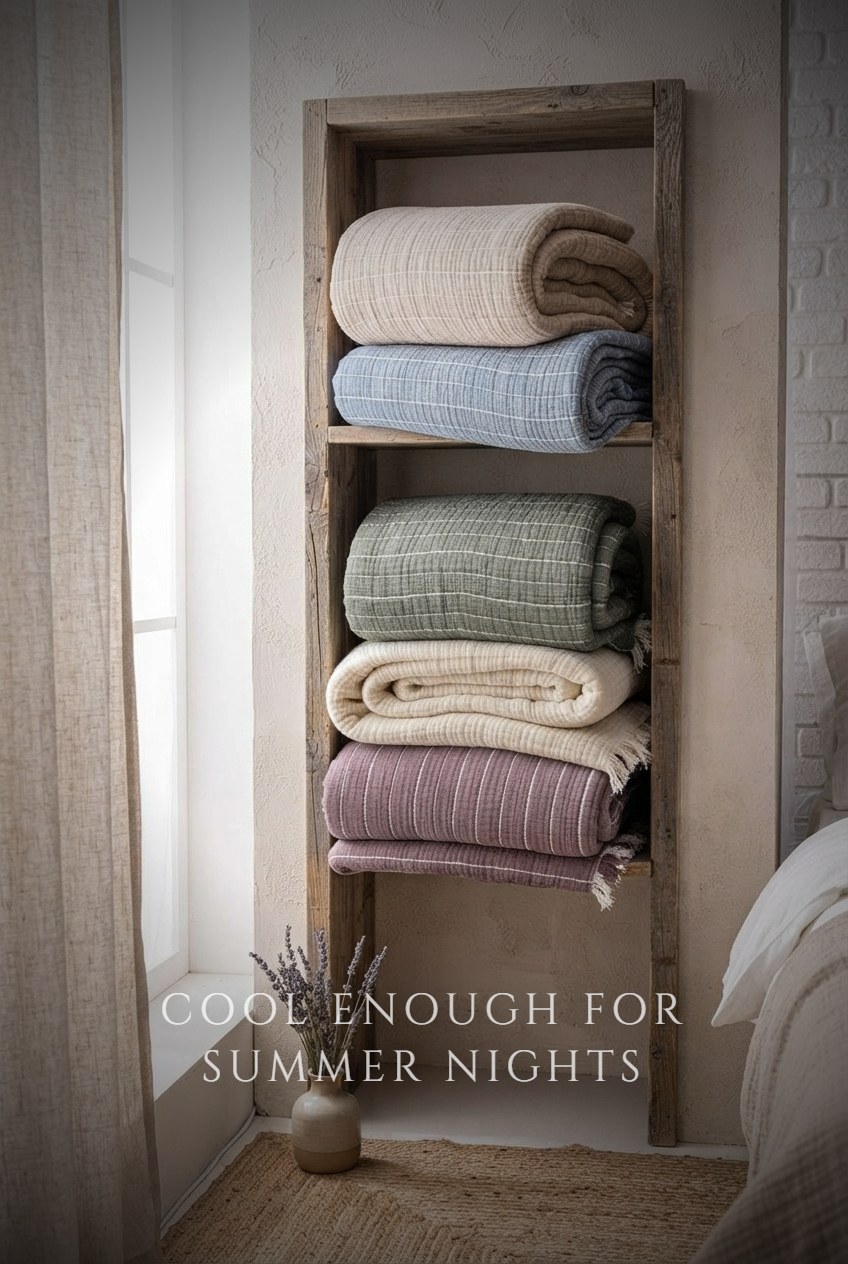
Whatever you use: 2:3 vertical images only (Pinterest truncates taller ones in the feed), and make several distinct pins per product over time rather than repinning one image — Pinterest favors fresh pins.
Step 4: Do Pinterest SEO and pin consistently
Pinterest is a search engine, so your titles, descriptions, and board names are ranking inputs. Lead titles with the phrase people search ("Small Kitchen Gadgets Worth Buying"), write 1–3 natural sentences with related keywords plus your disclosure, and keep boards keyworded and on-topic. Then pin steadily — a handful of quality pins a day beats a weekly blast, and Pinterest's spam filters prefer the steady pace anyway.
Step 5: Be patient — the payoff is delayed but durable
No-blog doesn't mean no-wait. A new Pinterest account typically shows near-zero for the first month or two while Pinterest figures out what you're about, then compounds over months three to six as pins start ranking in search. The upside is that pins are long-lived assets — one good pin can drive clicks for a year or more — so the account you build now keeps working with little maintenance. Track outbound clicks (not just impressions) in Pinterest Analytics and make more of whatever earns them.
What the money looks like without a blog
Dropping the blog changes your economics in specific ways, and it's worth being clear-eyed about both directions.
What you give up. A blog earns in more than one way — display ad revenue, sponsored posts, an email list you own, and Google traffic that arrives independently of any platform's goodwill. Skip the blog and affiliate commission is your entire revenue line, on a platform you don't control. That's a real concentration of risk, not a detail.
What you gain. You also skip the part where most people quit: six to twelve months of writing and technical SEO before the first dollar, plus hosting, and the ongoing maintenance of a site. A no-blog operation starts earning at whatever point your pins start ranking, and the only recurring cost is production.
The equation you're actually running:
Impressions → outbound clicks → merchant conversions → commission.
Three levers, and only three:
- Number of pins you own. Assets compound; effort doesn't. Two hundred pins across fifty products behaves like a portfolio, one pin behaves like a lottery ticket.
- Click rate on the image. With no blog to warm anyone up, the pin does 100% of the persuading. A pin that earns twice the clicks is worth twice as much forever, at no extra cost to produce — which is why Step 3 matters more here than it would for a blogger.
- Commission rate of the program. Amazon pays low single digits in most Pinterest categories; brand programs on ShareASale, Impact, and Awin often pay several times that for the same click. Changing programs is the only lever that raises income without raising workload.
And the honest timing: near-zero for the first month or two, first commissions somewhere in months three to six, compounding after that. The full structural math — including why patient affiliates tend to out-earn their own click estimates — is in passive income with Amazon and Pinterest.
The short version
You do not need a blog to do Pinterest affiliate marketing. You need a business account, programs that approve social-first affiliates (plus a free link-in-bio page if you want Amazon), disclosed affiliate links, genuinely good-looking 2:3 pins, basic Pinterest SEO, and the patience to pin consistently for a few months. The blog was never the hard part — the pins are, and that part is now largely solved.
If you want to run this without your face or a personal brand attached either, that works too — see the full faceless Pinterest affiliate marketing playbook. And if Amazon is your program of choice, here's how to make Pinterest pins for Amazon affiliate products specifically.
FAQ
Can you really make money on Pinterest without a website? Yes — Pinterest allows affiliate links as pin destinations, so the path from pin to purchase needs no site in the middle. What no website costs you is the ad revenue, email list, and Google traffic a blog would add; commission becomes your only income line.
Does Amazon Associates accept applicants without a website? The application asks for at least one qualifying website or app, so a completely blank web presence makes it harder. A free link-in-bio page listing your recommendations satisfies it in practice — that's the standard workaround, and it isn't a blog you have to maintain.
How many followers do I need? None. Pinterest distributes primarily through search and related pins, so a new account with well-keyworded pins gets impressions on day one. Follower count is a lagging indicator here, not a prerequisite.
Is a link-in-bio page or a real landing page better? A link hub is more durable — it survives a product going out of stock, lets one pin promote several items, and doubles as the "website" some programs ask for. Direct linking converts slightly better per click because there's one less step. Most people run both.
Will Pinterest suspend my account for affiliate links? Not for the links themselves. Suspensions come from spam patterns, cloaked or shortened destination URLs, and undisclosed promotion. The specific rules are in affiliate links on Pinterest.
Turn any product link into pins: paste an Amazon, Etsy, Shopify, or Walmart URL into Pinstark and get a complete pin pack — AI product photography, editorial overlays, SEO titles and descriptions — in about a minute.